Voyah Cloud
Trips
Choose a trip to view its route, consumption and driving smoothness score.
Choose a trip and view its route
- Open Trips in the app’s bottom navigation.
- Tap the date at the top to choose a day. The arrows move between adjacent days.
- Tap the trip time beside the date to open the list, then choose a trip.
Overview shows the route, start and end times, distance and duration. The arrows button on the map fits the entire route; Speed by segment explains its colours.
A trip starts when leaving P and ends when P is selected. Recording requires connectivity and incoming vehicle data. Without them, no trip is recorded; gaps in the data can leave the route incomplete.
 Long screenshot preview
Metrics and consumption
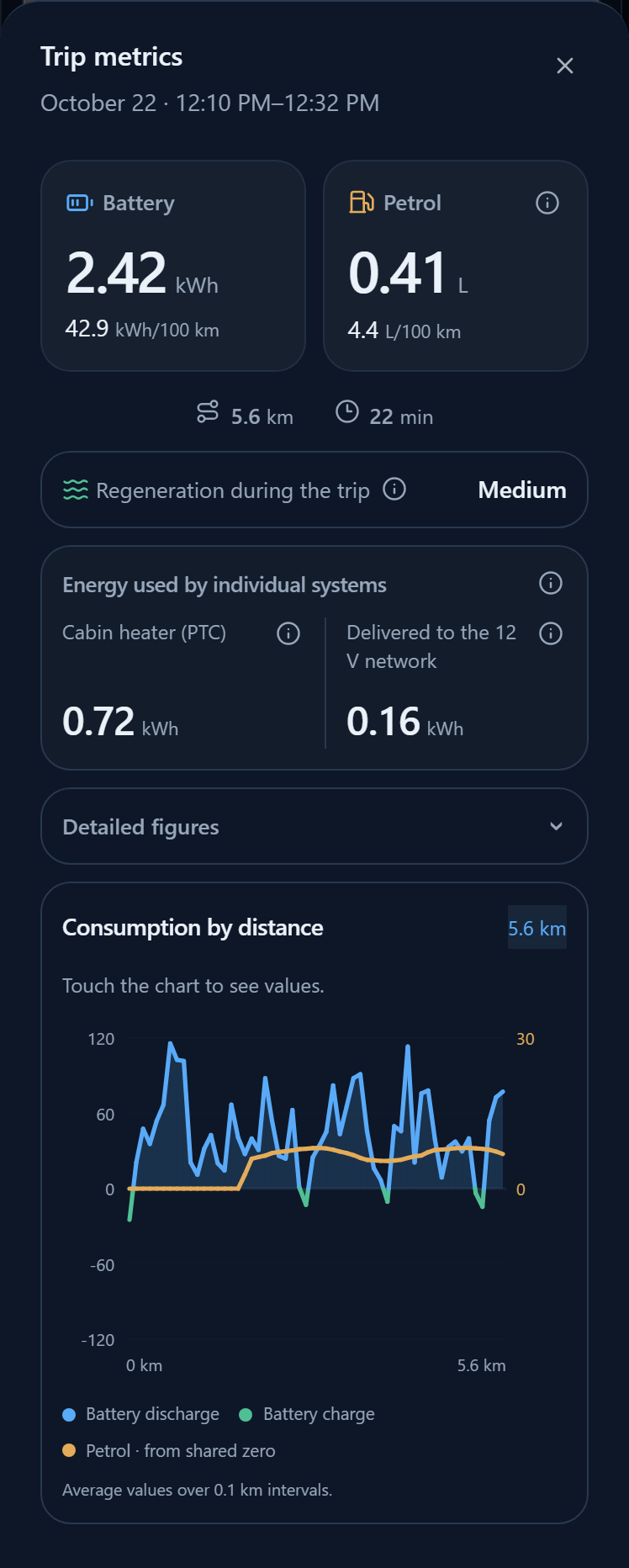
- Trip summary shows distance, duration, net battery use and average fuel use.
- All metrics opens detailed readings for the selected trip.
- Consumption shows consumption by distance, energy and estimated costs. Metrics and consumers opens the details.
Average fuel use is estimated from consumption and speed, weighted by distance travelled. If the app labels it Petrol while moving, engine fuel used while stopped is excluded. Energy received by the battery while the engine is running may include regeneration; it is not solely generator output. Estimated costs depend on your prices. A dash means there is not enough data.
Regeneration and individual systems
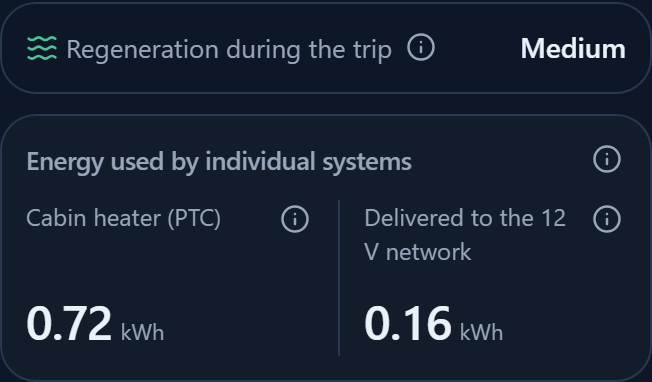
Open All metrics to view Regeneration during the trip and Energy used by individual systems.
- Regeneration is the setting recorded during the selected trip. Intervals appear if it changed. This is neither the current vehicle setting nor the amount of recovered energy.
- Cabin heater (PTC) covers only the electric heater, excluding the compressor and other climate equipment.
- Delivered to the 12 V network includes equipment power and possible charging of the 12 V battery, without separating individual devices.
Energy is calculated from saved power measurements. These systems account for only part of total consumption. With incomplete data, the app shows coverage information or a dash; a dash does not mean zero consumption.
Driving score
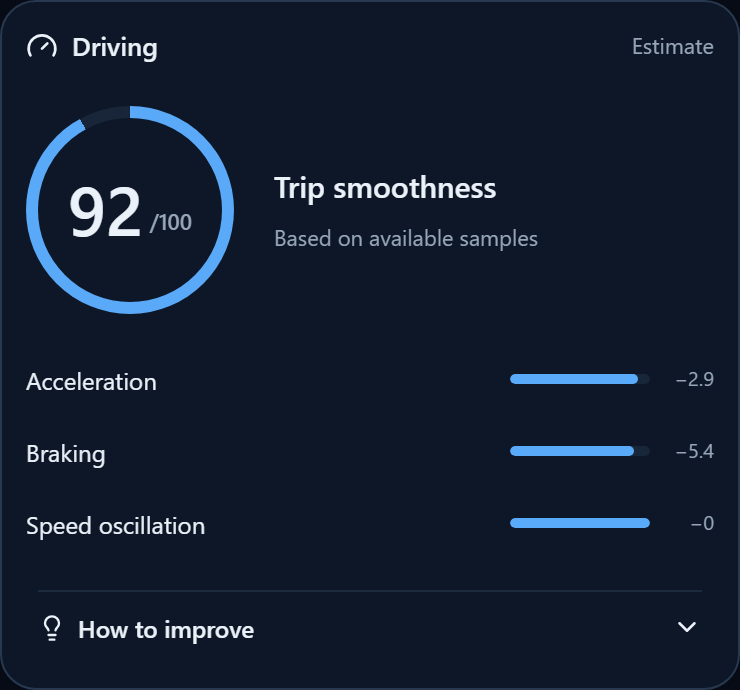
Open Driving. The score out of 100 describes trip smoothness based on available speed samples.
The breakdown shows deductions for Acceleration, Braking and Speed oscillation. Expand How to improve for advice on this trip.
The score is approximate: it does not account for road conditions or the reasons for manoeuvres. Necessary braking takes priority over the score.
No score is calculated with less than five minutes of movement, less than 70% sample coverage or an incompletely loaded history. A dash appears instead; sparse samples also limit accuracy.
Period report
Tap Report at the top and select Day, 30 days or Year. The report combines trips for that period; open an individual trip to view its detailed route.
If the list is empty, check the selected date. There may be no trips for that day, including when the vehicle was not transmitting data.
Open a route in your preferred maps
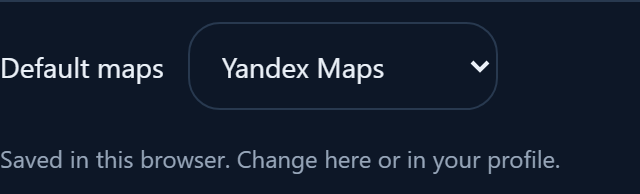
In Profile → App, choose your map application: system default, Apple Maps, Yandex Maps, Yandex Navigator, 2GIS, Google Maps or OpenStreetMap. The preference is stored in this browser and used when opening the vehicle location without asking again. Yandex Navigator may require the installed app.