Voyah Cloud
Vehicle control
Choose an action, read its conditions and check the command result.
Find a command
Open Control in the bottom navigation. Three frequent actions come first: lock, unlock and open the tailgate. The full user command list follows in groups: access and security, signals and vehicle search, cameras, sunroof, power and start.
The link at the top opens climate and cabin preparation. Charging has its own section. Service actions and commands without an available parameter form are excluded from this list.
 Long screenshot preview
Send a command
- Find the action. The ⓘ icon opens a useful tip or operating condition.
- Hold the command button until the outline fills. A short tap does not send it.
- Wait for the result. Sending a request does not by itself confirm a change in vehicle state.
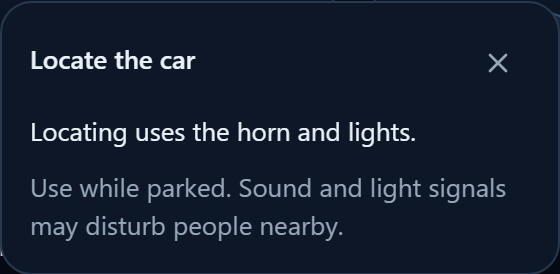
Find car uses sound and lights. The action to find the vehicle and take a photo also requests a dashcam image.
Power and start access
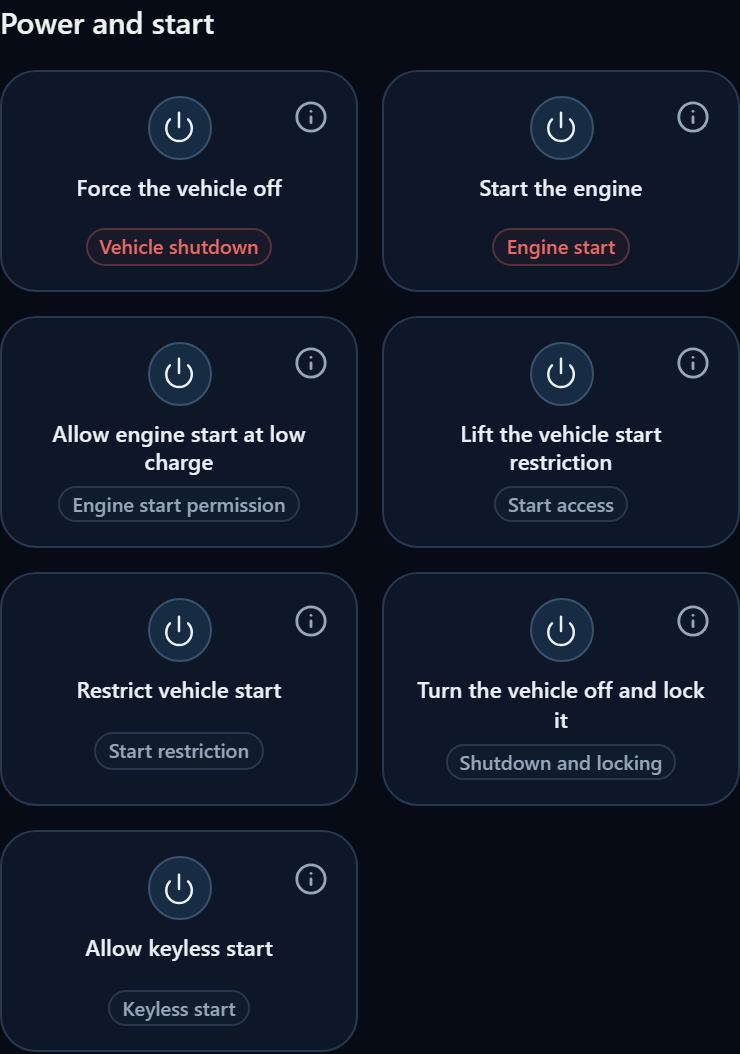
Start engine and Allow vehicle start are different: allowing a start removes the prohibition but does not start the engine. Allowing an engine start at low charge also differs from an immediate start.
Read the warnings on actions affecting power or access. Command availability depends on permissions, the server catalogue and observed equipment; missing sunroof data does not confirm that it is fitted.
Confirm an action
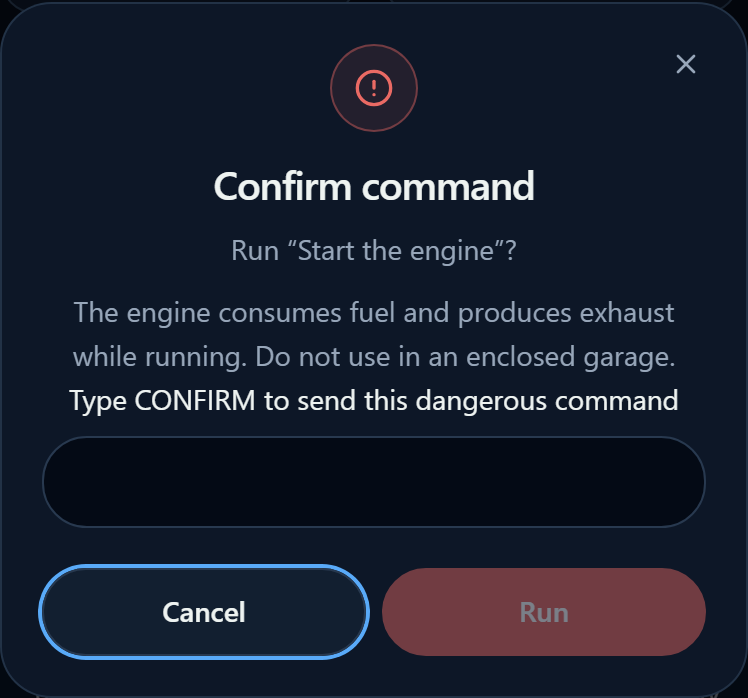
After holding a dangerous action, a confirmation opens. Check the action and warning. If a confirmation word is required, enter the exact word displayed in the dialog, then confirm. Cancel closes the dialog without sending the command.
An engine produces exhaust gases: do not start it in an enclosed garage. Before switching off and locking, do not leave people or the key inside.
Check the result in notifications and command history. If a button is unavailable, tap it to read the reason; do not send other commands as a test.